
Quick Answer
How do you create your own TV channel app? Define your niche, choose which platforms to support (Roku, Apple TV, Samsung, etc.), select OTT infrastructure, design a TV-friendly interface, and build in monetization from day one.
Launching your own TV channel app is no longer limited to major broadcasters. Today, startups, creators, educators, sports networks, churches and businesses can launch branded OTT streaming platforms across Smart TVs, mobile apps and web browsers without building complex infrastructure from scratch.
If ad-supported linear fits your model better, see our guide to launching a fast channel.
As OTT streaming continues to grow, viewers expect consistent access across platforms like Roku, Apple TV, Android TV, Fire TV, Samsung TV, iOS, Android and the web. This gives businesses the opportunity to own their audience, monetize content directly and build scalable streaming services.
But businesses looking to create tv app platforms quickly realize that launching a streaming service involves much more than uploading videos. Streaming infrastructure, Smart TV deployment, monetization, CDN delivery, transcoding, DRM security, analytics and multi-device compatibility all play a critical role in delivering a high-quality viewing experience.
Content security across devices also matters — see our guide to multi drm for broadcasters.
In this blog, you’ll learn how to create a linear TV channel app step by step, including platform selection, OTT infrastructure, monetization models, launch timelines, costs, and deployment considerations.
For the FAST-specific playbook, see our dedicated guide on fast channel launch steps.
What Is a TV Channel App?
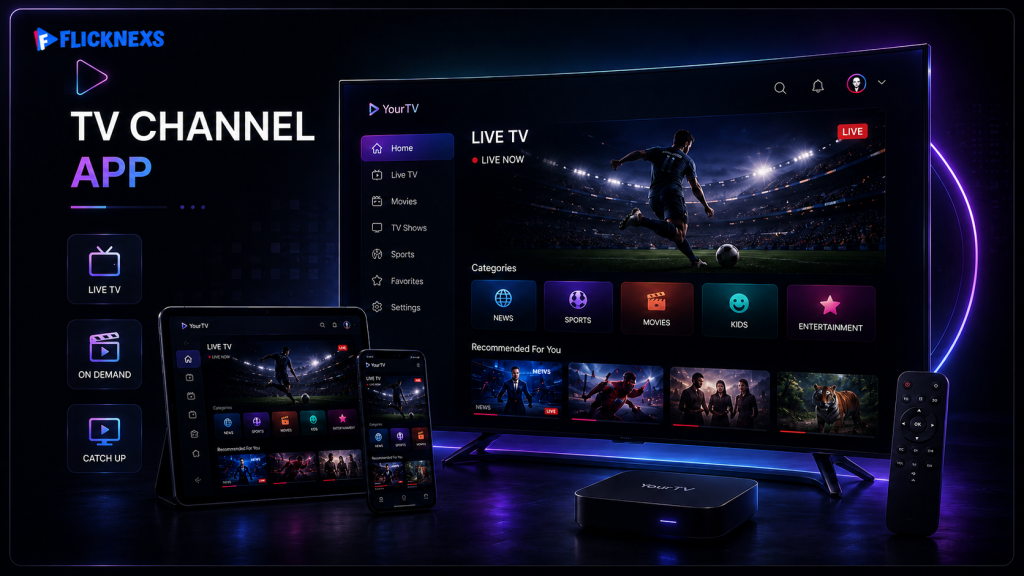
Connected TV platforms now dominate modern streaming — Roku held around 37% of the U.S. CTV device market as of mid-2025, according to Pixalate.
A TV channel app is a streaming application that allows viewers to watch live or on-demand video content across multiple devices including Smart TVs, mobile phones, tablets and web browsers.
Unlike traditional television broadcasting, OTT TV channel apps distribute content through the internet using streaming technologies such as HLS (HTTP Live Streaming), adaptive bitrate streaming, cloud transcoding and CDN-based content delivery.
Ad insertion technology matters here too — see our comparison of ssai ads versus client-side methods.
Modern businesses increasingly create tv app ecosystems to distribute content directly to audiences without relying entirely on third-party video platforms.
Infrastructure choices matter here too — see our guide to cloud playout for broadcasters.
For ad-break signaling in a linear channel, see our explainer on scte 35 markers.
Modern TV channel apps can support:
- Live TV streaming
- Video-on-demand (VOD)
- 24/7 playout channels
- FAST channels
- IPTV streaming
- Subscription-based streaming
- Ad-supported streaming
- Pay-per-view events
- Multi-device viewing
- Smart TV compatibility
A complete TV channel app ecosystem typically includes:
| Component | Purpose |
| Mobile Apps | iOS and Android streaming access |
| Smart TV Apps | Roku, Android TV, Samsung TV, LG TV, Fire TV |
| OTT CMS | Manage videos, users, subscriptions, analytics |
| Video Hosting | Store and stream media files |
| CDN | Deliver content globally with low buffering |
| Transcoding | Convert videos into multiple streaming formats |
| DRM Security | Protect premium video content |
| Monetization Engine | Subscription, ads, coupons, PPV |
| Analytics Dashboard | Viewer insights and engagement tracking |
| Recommendation Engine | Personalized viewer experience |
| EPG Integration | Electronic program guides for live channels |
For most businesses, the goal is not to simply create a tv app.
The real goal is building a scalable streaming ecosystem capable of delivering high-quality viewing experiences across devices while generating recurring revenue.
Why Businesses Are Launching Their Own TV Channel Apps
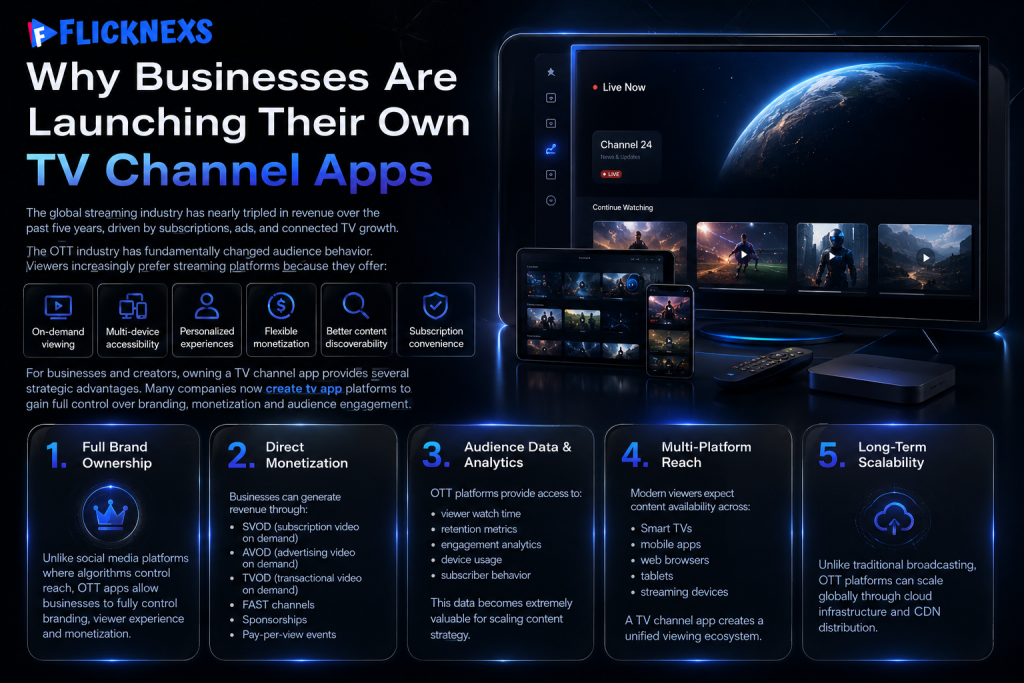
The global streaming industry has nearly tripled in revenue over the past five years, driven by subscriptions, ads, and connected TV growth.
The OTT industry has fundamentally changed audience behavior.
Viewers increasingly prefer streaming platforms because they offer:
- On-demand viewing
- Multi-device accessibility
- Personalized experiences
- Flexible monetization
- Better content discoverability
- Subscription convenience
For businesses and creators, owning a TV channel app provides several strategic advantages.
Many companies now create tv app platforms to gain full control over branding, monetization and audience engagement.
1. Full Brand Ownership
Unlike social media platforms where algorithms control reach, OTT apps allow businesses to fully control branding, viewer experience and monetization.
2. Direct Monetization
Businesses can generate revenue through:
- SVOD (subscription video on demand)
- AVOD (advertising video on demand)
- TVOD (transactional video on demand)
- FAST channels
- Sponsorships
- Pay-per-view events
3. Audience Data & Analytics
OTT platforms provide access to:
- viewer watch time
- retention metrics
- engagement analytics
- device usage
- subscriber behavior
This data becomes extremely valuable for scaling content strategy.
4. Multi-Platform Reach
Modern viewers expect content availability across:
- Smart TVs
- mobile apps
- web browsers
- tablets
- streaming devices
A TV channel app creates a unified viewing ecosystem.
5. Long-Term Scalability
Unlike traditional broadcasting, OTT platforms can scale globally through cloud infrastructure and CDN distribution.
Step-by-Step Guide to Creating Your Own TV Channel App
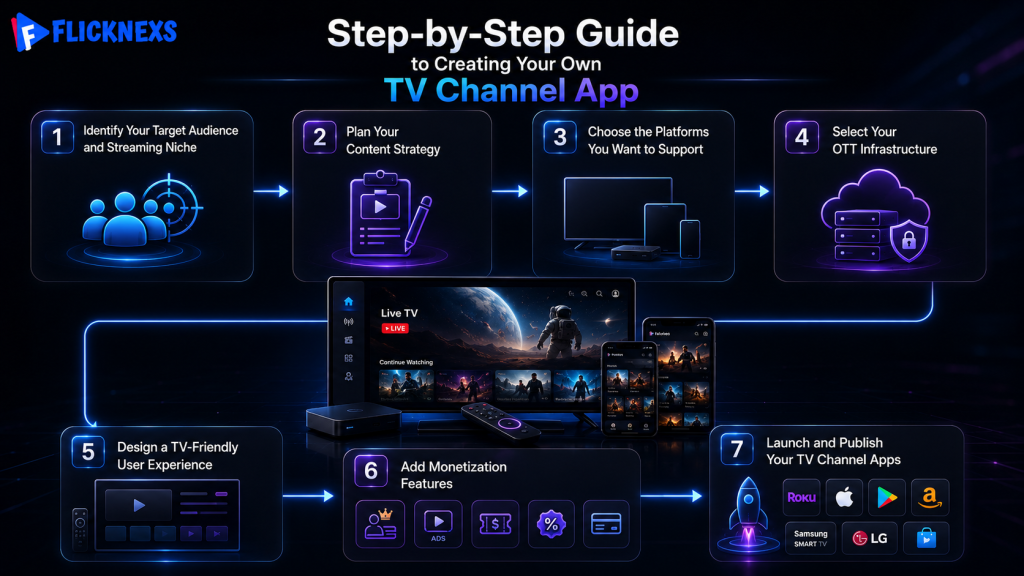
Step 1 — Identify Your Target Audience and Streaming Niche
Before building your TV channel app, define exactly who your platform is for and what type of viewing experience you want to deliver.
Successful OTT platforms usually focus on a specific audience instead of trying to serve everyone.
This decision influences:
- content strategy
- app features
- platform design
- viewer engagement
- marketing strategy
- long-term growth
Businesses that create tv app ecosystems for clearly defined audiences often achieve stronger viewer retention and faster audience growth.
Common OTT niches include:
- entertainment streaming
- sports broadcasting
- educational platforms
- religious streaming
- fitness content
- regional entertainment
- kids content
- corporate communication
- lifestyle channels
- news broadcasting
When planning your OTT platform, consider:
- Who is your primary audience?
- What problem or entertainment need are you solving?
- Will your content be local, global or niche-specific?
- How frequently will viewers return to your platform?
- What makes your streaming service different from competitors?
For example:
- Sports audiences prioritize low-latency live streaming
- Educational viewers value structured VOD libraries
- Regional OTT platforms focus heavily on language-based personalization
- FAST channels rely on continuous scheduled programming
The clearer your audience strategy is early on, the easier it becomes to create tv app experiences that retain viewers and scale effectively.
Step 2 — Plan Your Content Strategy
Your content strategy determines viewer retention more than technology alone.
Before development begins, define:
- What content will you stream?
- Will your platform focus on live or prerecorded content?
- How often will content be updated?
- Will your channel operate 24/7?
- What audience niche are you targeting?
Most successful TV channel apps focus on a clear niche instead of broad general entertainment.
Businesses that create tv app solutions for niche audiences often achieve stronger retention and monetization performance.
Popular OTT content categories include:
- entertainment
- sports
- education
- religious streaming
- regional media
- kids content
- fitness streaming
- corporate streaming
- lifestyle channels
- news broadcasting
Live Streaming vs Video-On-Demand
Live Streaming
Ideal for:
- sports
- news
- religious events
- live shopping
- conferences
- concerts
Requires:
- low-latency streaming
- live transcoding
- scalable CDN delivery
- adaptive bitrate streaming
Video-On-Demand (VOD)
Ideal for:
- movies
- training platforms
- educational content
- entertainment libraries
Requires:
- video hosting
- metadata management
- recommendation systems
- search optimization
24/7 Playout Channels
These simulate traditional TV schedules using automated programming systems. A dedicated ott playout system is what powers this automated scheduling behind the scenes
Playout automation is commonly used for:
- FAST channels
- entertainment streaming
- music channels
- IPTV services
Many OTT businesses now combine live streaming, VOD and 24/7 playout into a single streaming ecosystem.
Step 3 — Choose the Platforms You Want to Support
One of the most important decisions is selecting where your TV channel app will be available.
Modern OTT viewers expect seamless viewing across devices.
Businesses that create tv app ecosystems usually support platforms such as:
| Platform | Importance |
| Android TV | High global adoption |
| Roku | Major OTT ecosystem in North America |
| Apple TV | Premium streaming audience |
| Fire TV | Strong smart home integration |
| Samsung TV | Large Smart TV market share |
| LG TV | WebOS Smart TV audience |
| iOS Apps | Mobile viewing |
| Android Apps | Mass mobile accessibility |
| Web Apps | Browser-based streaming |
Many first-time OTT founders assume TV app deployment is similar to mobile app publishing.
In reality, Smart TV ecosystems often involve:
- platform compliance testing
- remote-control navigation optimization
- memory management restrictions
- video playback certification
- UI adaptation for large screens
- app review processes
For example, Roku and Samsung TV ecosystems may require additional testing and approval before deployment.
This is why Smart TV deployment complexity should be planned early rather than after app development.
Step 4 — Select Your OTT Infrastructure
This is the foundation of your entire streaming platform.
A TV channel app is not just a frontend application.
Behind the scenes, OTT platforms require:
- cloud infrastructure
- transcoding pipelines
- video storage
- content delivery systems
- DRM security
- analytics systems
- payment integrations
- viewer management systems
To create tv app platforms at scale, businesses need reliable OTT infrastructure capable of handling video delivery, viewer traffic and multi-device streaming.
There are generally two approaches:
Option 1 — Custom OTT Development
Custom development provides complete flexibility but usually requires:
- large engineering teams
- long development cycles
- ongoing maintenance
- infrastructure management
- streaming optimization expertise
Best for:
- enterprise streaming platforms
- highly customized ecosystems
- unique product requirements
However, many businesses underestimate the operational complexity involved in maintaining streaming infrastructure at scale.
Option 2 — White-Label OTT Platforms
White-label OTT platforms allow businesses to launch streaming services faster using prebuilt infrastructure.
These platforms typically include:
- CMS
- hosting
- transcoding
- CDN integration
- monetization systems
- analytics
- multi-platform app support
This significantly reduces:
- launch timelines
- technical complexity
- infrastructure management
- operational overhead
For most businesses entering OTT streaming, white-label OTT deployment is often the fastest and most cost-efficient path.
Understanding CDN, Transcoding and Streaming Delivery
Many viewers abandon streaming platforms because of buffering and poor playback quality.
Streaming quality directly affects:
- viewer retention
- subscription renewals
- watch time
- engagement
- platform credibility
This is why OTT infrastructure matters.
CDN (Content Delivery Network)
A CDN distributes video content across global edge servers to reduce buffering and improve playback speed.
Without a properly optimized CDN:
- live streams may lag
- videos may buffer frequently
- playback quality may drop
- viewer abandonment increases
Companies that create tv app ecosystems without scalable CDN infrastructure often struggle with playback performance during traffic spikes.
Adaptive Bitrate Streaming
Adaptive bitrate streaming automatically adjusts video quality based on viewer internet speed.
This improves viewing experience across:
- mobile networks
- Smart TVs
- low-bandwidth regions
- high-resolution displays
Video Transcoding
Videos must be converted into multiple resolutions and formats before streaming.
This process is called transcoding.
OTT transcoding pipelines commonly generate:
- 240p
- 480p
- 720p
- 1080p
- 4K streaming outputs
Efficient transcoding is critical for scalable OTT delivery.
DRM Security
Premium streaming platforms often use DRM (Digital Rights Management) to prevent:
- content piracy
- unauthorized downloads
- illegal redistribution
DRM is especially important for:
- premium entertainment
- sports broadcasting
- paid subscriptions
- enterprise streaming
Step 5 — Design a TV-Friendly User Experience
TV app UX differs significantly from mobile app design.
Many first-time OTT businesses make the mistake of adapting mobile UI directly to create TV apps for Smart TVs.
This often creates poor viewer experiences because Smart TVs are controlled through remotes rather than touchscreens.
Companies that create tv app experiences for television audiences must prioritize:
- large-screen readability
- remote-friendly navigation
- simplified menu structures
- fast playback access
- intuitive browsing
- autoplay optimization
- personalized recommendations
Important TV UX Considerations
Remote Navigation
Smart TV users navigate using directional buttons.
Poor navigation structures can significantly increase viewer frustration.
Large-Screen Optimization
Text, thumbnails, spacing and layouts must be optimized for television viewing distances.
Playback Performance
Slow-loading streams negatively affect retention.
OTT viewers expect near-instant playback.
Recommendation Systems
Personalized recommendations improve:
- watch time
- engagement
- subscriber retention
Electronic Program Guides (EPG)
Live TV and FAST channels often use EPG systems to display programming schedules.
This improves viewer navigation and traditional TV familiarity.
Step 6 — Add Monetization Features
Monetization should be integrated directly into your OTT ecosystem from the beginning.
Businesses that create tv app platforms usually support monetization features such as:
| Feature | Purpose |
| Subscription Plans | Monthly/yearly recurring revenue |
| Ad Integration | Advertising-based monetization |
| Pay-Per-View | Premium live events |
| Coupons & Discounts | Promotional campaigns |
| Multi-Currency Payments | Global audience support |
| Free Trials | Increase subscriber conversion |
OTT monetization systems usually integrate with payment gateways to support:
- credit cards
- PayPal
- regional payment methods
- app store billing
- recurring subscriptions
One major mistake many OTT startups make is focusing only on viewer acquisition while ignoring retention.
Long-term OTT growth depends heavily on:
- viewer experience
- content consistency
- streaming quality
- recommendation systems
- personalized engagement
Step 7 — Launch and Publish Your TV Channel Apps
Once development and testing are complete, the next phase is deployment.
This includes publishing apps across:
- Roku Channel Store
- Apple App Store
- Google Play Store
- Amazon Appstore
- Samsung TV Store
- LG Content Store
Many OTT founders underestimate the time required for Smart TV publishing approvals.
Certain platforms may require:
- additional compliance reviews
- playback validation
- UI testing
- policy verification
- performance optimization
Approximate launch timelines may include:
| Phase | Estimated Timeline |
| OTT planning | 1–2 weeks |
| Platform setup | 1–3 weeks |
| App branding & customization | 1–2 weeks |
| Device testing | 1–2 weeks |
| Smart TV approvals | 1–4 weeks |
| Final deployment | 1 week |
Actual timelines vary depending on:
- platform complexity
- customization requirements
- app ecosystems
- content migration
- approval processes
Businesses that create tv app platforms for Smart TVs should plan for additional approval timelines and device testing requirements.
How Much Does It Cost to Create a TV Channel App?
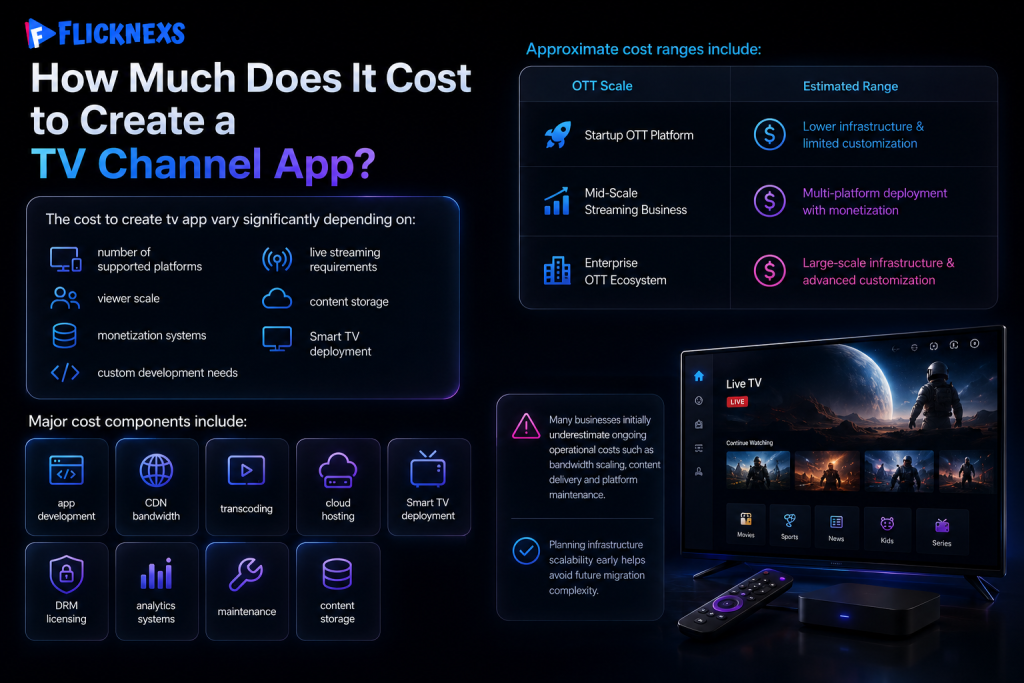
The cost to create tv app vary significantly depending on:
- number of supported platforms
- live streaming requirements
- viewer scale
- content storage
- monetization systems
- Smart TV deployment
- custom development needs
Approximate cost ranges include:
| OTT Scale | Estimated Range |
| Startup OTT Platform | Lower infrastructure & limited customization |
| Mid-Scale Streaming Business | Multi-platform deployment with monetization |
| Enterprise OTT Ecosystem | Large-scale infrastructure & advanced customization |
Major cost components include:
- app development
- CDN bandwidth
- transcoding
- cloud hosting
- Smart TV deployment
- DRM licensing
- analytics systems
- maintenance
- content storage
Many businesses initially underestimate ongoing operational costs such as bandwidth scaling, content delivery and platform maintenance.
Planning infrastructure scalability early helps avoid future migration complexity.
Common Mistakes to Avoid When Launching a TV Channel App
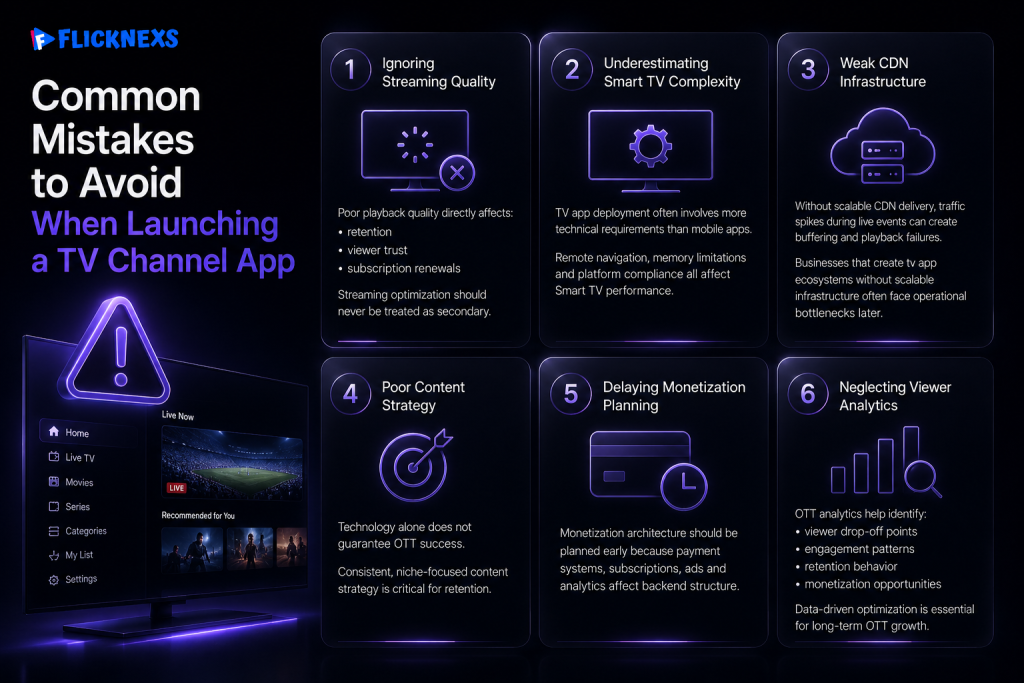
Streaming quality issues and poor Smart TV optimization are among the top reasons users abandon OTT platforms.
1. Ignoring Streaming Quality
Poor playback quality directly affects:
- retention
- viewer trust
- subscription renewals
Streaming optimization should never be treated as secondary.
2. Underestimating Smart TV Complexity
TV app deployment often involves more technical requirements than mobile apps.
Remote navigation, memory limitations and platform compliance all affect Smart TV performance.
3. Weak CDN Infrastructure
Without scalable CDN delivery, traffic spikes during live events can create buffering and playback failures.
Businesses that create tv app ecosystems without scalable infrastructure often face operational bottlenecks later.
4. Poor Content Strategy
Technology alone does not guarantee OTT success.
Consistent, niche-focused content strategy is critical for retention.
5. Delaying Monetization Planning
Monetization architecture should be planned early because payment systems, subscriptions, ads and analytics affect backend structure.
6. Neglecting Viewer Analytics
OTT analytics help identify:
- viewer drop-off points
- engagement patterns
- retention behavior
- monetization opportunities
Data-driven optimization is essential for long-term OTT growth.
Why Many Businesses Choose Professional OTT Platform Providers
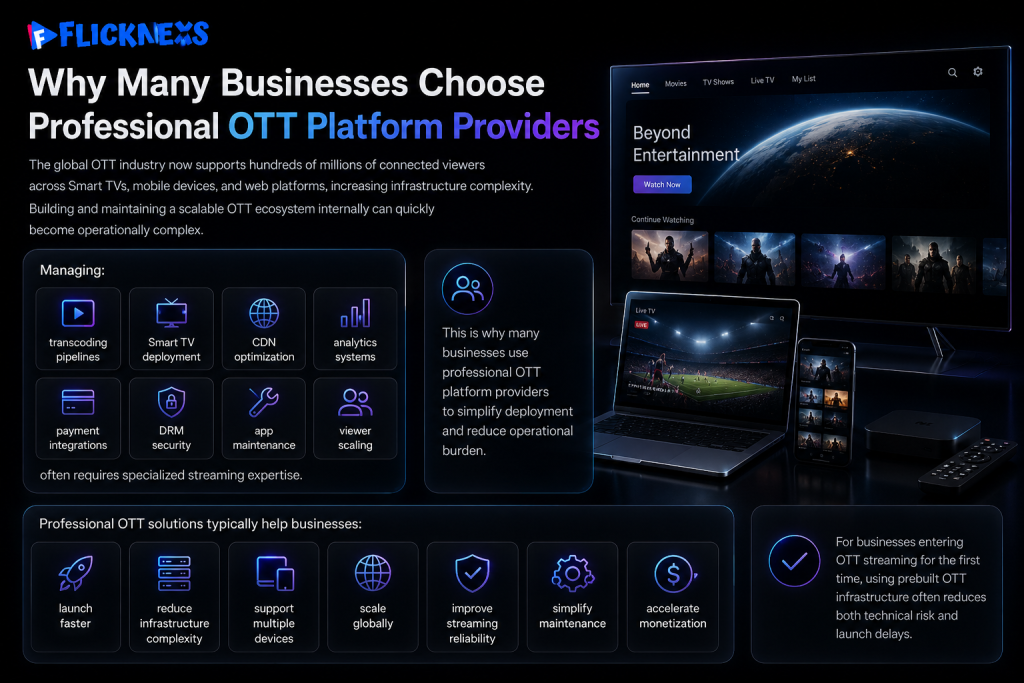
The global OTT industry now supports hundreds of millions of connected viewers across Smart TVs, mobile devices, and web platforms, increasing infrastructure complexity.
Flicknexs provides the streaming infrastructure, Smart TV apps, monetization tools and analytics businesses need to launch a branded TV channel app without building any of it from scratch.
Building and maintaining a scalable OTT ecosystem internally can quickly become operationally complex.
Managing:
- transcoding pipelines
- Smart TV deployment
- CDN optimization
- analytics systems
- payment integrations
- DRM security
- app maintenance
- viewer scaling
often requires specialized streaming expertise.
This is why many businesses use professional OTT platform providers to simplify deployment and reduce operational burden.
Professional OTT solutions typically help businesses:
- launch faster
- reduce infrastructure complexity
- support multiple devices
- scale globally
- improve streaming reliability
- simplify maintenance
- accelerate monetization
For businesses entering OTT streaming for the first time, using prebuilt OTT infrastructure often reduces both technical risk and launch delays.
OTT Launch Checklist
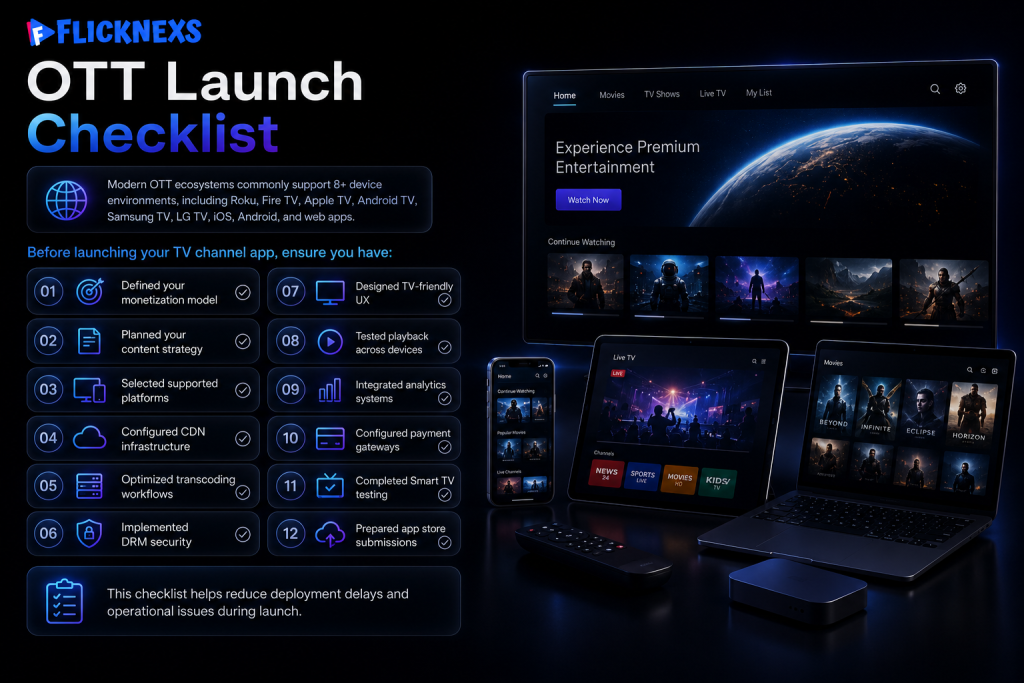
Modern OTT ecosystems commonly support 8+ device environments, including Roku, Fire TV, Apple TV, Android TV, Samsung TV, LG TV, iOS, Android, and web apps.
Before launching your TV channel app, ensure you have:
- Defined your monetization model
- Planned your content strategy
- Selected supported platforms
- Configured CDN infrastructure
- Optimized transcoding workflows
- Implemented DRM security
- Designed TV-friendly UX
- Tested playback across devices
- Integrated analytics systems
- Configured payment gateways
- Completed Smart TV testing
- Prepared app store submissions
This checklist helps reduce deployment delays and operational issues during launch.
Run your own 24/7 channel — try the Flicknexs playout engine →
Final Thoughts
Launching your own TV channel app is no longer limited to traditional broadcasters.
Modern OTT infrastructure allows businesses, creators, media companies, educators, sports networks and entertainment brands to create TV apps and build scalable streaming ecosystems across Smart TVs, mobile apps and web platforms.
However, successful OTT deployment requires far more than app development alone.
Streaming quality, CDN architecture, transcoding, Smart TV optimization, monetization systems, analytics, viewer experience and platform scalability all play a critical role in long-term success.
For most businesses, the fastest path to launching a scalable streaming platform is using OTT infrastructure designed specifically for multi-platform deployment.
If you are planning to launch your own TV channel app, the next step is understanding the exact infrastructure, monetization and deployment model best suited for your streaming goals.
Ready to Launch Your Own TV Channel App?
Whether you want to build a live streaming platform, FAST channel, IPTV service, entertainment app, educational OTT platform or subscription-based streaming service, having the right OTT infrastructure can significantly simplify deployment.
Talk with OTT experts to:
- estimate launch timelines
- understand deployment requirements
- explore monetization models
- review multi-platform app options
- evaluate OTT infrastructure needs
- plan scalable streaming architecture
The OTT streaming industry continues to grow rapidly and businesses that establish their own branded streaming ecosystems early gain significant long-term advantages in audience ownership, monetization and digital expansion.
Frequently Asked Questions:
Ready to build?
If you’re planning your next TV Apps project, Flicknexs handles the video infrastructure end-to-end — so you can ship in weeks, not months.
- create an online TV channel
- see Flicknexs pricing
More on TV app development
Continue exploring more on this topic across the Flicknexs blog.

Comments
8 responses to “How to Create Your Own TV Channel App in 2026: Full Guide”
After reading the blog, I must say, the concept discussed is truly innovative and promising.
This TV channel app seems like the perfect way to immerse myself in English language content. Can’t wait to try it out!
After reading the blog, I’m excited to download the ExploreEnglish TV app and enhance my language skills!
This post is exactly what I needed! I’ve been thinking about starting an internet TV channel for a while now, and the steps provided here make it feel much more achievable. I’m definitely going to give it a go!
I’ve always wanted to know how to launch your own TV channel, and this guide really helped clear up the process. It’s great to see how accessible it’s becoming with platforms like Flicknexs. Can’t wait to get started!
I’ve been curious about how to launch your own internet TV channel, and this post really clears things up. It’s great to see how platforms like Flicknexs can help streamline the process, from content creation to streaming. Whether you’re looking to offer live TV or on-demand videos, this guide gives a solid foundation to get started. Excited to explore these steps and bring my channel to life!
I’ve been researching how to create your own TV channel app, and this post gave me a solid overview of the process. It’s great to see platforms like Flicknexs making it easier for creators and businesses to launch their own streaming apps. Definitely bookmarking this for when I’m ready to start building mine.
This was a really helpful read! I’ve been exploring ways to create your own TV channel online, and this guide breaks it down clearly. The step-by-step approach makes the whole process feel much more achievable. Thanks for sharing—looking forward to trying this out with my own content soon!