
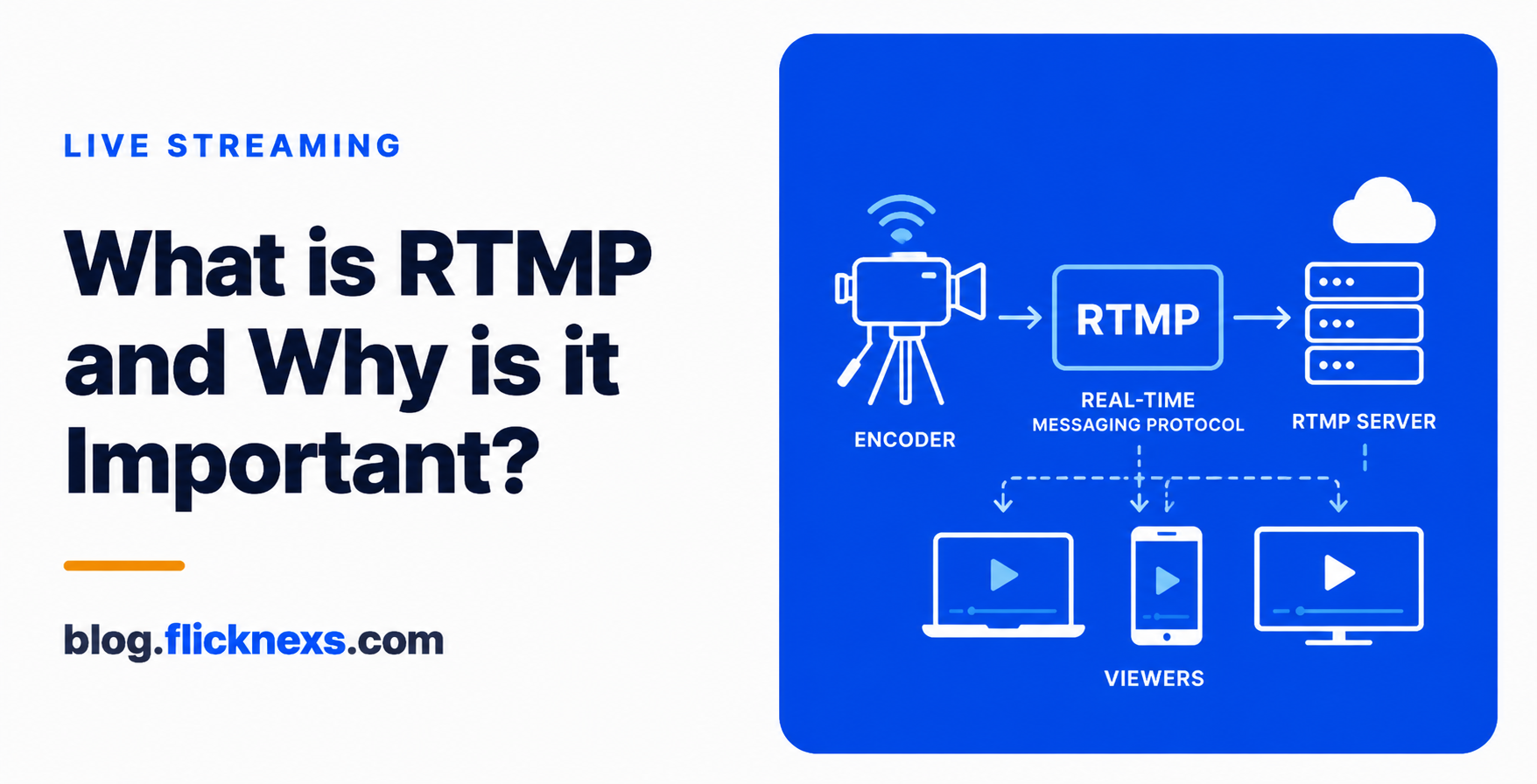
RTMP, or Real-Time Messaging Protocol, is the technology that carries your live video from a camera or encoder up to a streaming server. If you have ever wondered how a feed from OBS reaches an audience, RTMP is almost always the first step. We work with broadcasters and content owners every day, and this is the protocol that quietly powers the start of nearly every live stream we run.
Key takeaways
- RTMP is an ingest protocol — it moves live video from your encoder or camera into a streaming server, not out to viewers.
- RTMP is the “first mile” of a live stream, the contribution link that feeds the playout system.
- RTMP in, HLS out — RTMP handles contribution while HLS handles delivery to your audience.
- RTMP keeps latency low on the upload path, which matters for live events, news, and sports.
- RTMP is still the dominant ingest standard, even though playback long ago shifted to HLS.
What is RTMP and why does it matter?
RTMP stands for Real-Time Messaging Protocol. It was originally built to stream audio and video over the internet with minimal delay, and it has aged into the standard way encoders talk to streaming servers. When you press “Start Streaming” in software like OBS, RTMP is the protocol packaging your video and pushing it to a server address.
It matters because it is the on-ramp. Before any viewer can watch, your live feed has to get from the source to the platform reliably. RTMP does that job well: it is widely supported, predictable, and accepted by virtually every encoder and streaming service on the market. That universality is why it remains the default ingest choice for broadcasters and OTT operators.
How RTMP carries your live video
RTMP maintains a steady connection between your encoder and the server, then sends a continuous flow of audio and video packets across it. Because the connection stays open, the upload path is consistent and the delay on contribution stays low. You give your encoder two things — a server URL and a stream key — and RTMP handles the handshake and the transport from there.
If you want the protocol-level detail on packets, chunk streams, and the handshake, we cover all of it in our in-depth RTMP streaming guide. This post stays at the practical level so newcomers can build a clear mental model first.
RTMP as the “first mile” of your stream
Think of a live broadcast as a journey with two halves. The first half is contribution: getting the feed from your venue or studio into the platform. The second half is delivery: getting that feed out to thousands of viewers on their phones, TVs, and browsers. RTMP owns the first half.
This contribution link is what we call the first mile. It is a single, reliable pipe from one source to one server, which is a very different problem from sending the same stream to a large, scattered audience. Once the feed lands on the server, the platform takes over — transcoding it, packaging it, and feeding it into the playout and website integration layer that schedules and presents your channel.
What sends RTMP: encoders, cameras, and software
Anything that can encode video and open an RTMP connection can be your source. The most common is OBS, the free broadcasting software many of our customers start with — our OBS streaming guide walks through the full setup. Hardware encoders, camera systems with built-in encoding, and mobile streaming apps all speak RTMP too.
Choosing the right source for your production scale matters more than people expect. If you are weighing software against dedicated hardware, our breakdown of choosing live streaming encoders compares the trade-offs in reliability, cost, and control.
RTMP vs HLS: ingest in, delivery out
The single most useful thing to understand is that RTMP and HLS are not competitors — they are partners that handle different ends of the same stream. RTMP brings the feed in. HLS sends it back out to viewers. A clean way to remember it: RTMP in, HLS out.
HLS, or HTTP Live Streaming, is built for playback at scale. It chops video into small segments delivered over standard web infrastructure, so it plays on almost any device and adapts to each viewer’s connection. RTMP was never designed for that mass-delivery job, which is why modern stacks use both. If you want the delivery side in full, see our explainer on what HLS streaming is.
| Aspect | RTMP | HLS |
|---|---|---|
| Role in the stream | Ingest / contribution (in) | Delivery / playback (out) |
| Direction | Encoder to server | Server to viewer |
| Best at | Low-latency upload from one source | Scaling to large, varied audiences |
| Device playback | Limited in modern browsers | Broad across phones, TVs, browsers |
| Adapts to connection | No | Yes (adaptive bitrate) |
| Where you set it up | Inside your encoder | Handled by the platform |
Between ingest and delivery sits the processing layer, where the incoming feed is decoded and re-packaged into multiple qualities. That step leans heavily on hardware, and our look at GPU and transcoding for live streaming explains how it keeps your stream smooth under load.
Where RTMP shows up: real use cases
Because RTMP is the dependable on-ramp, it appears in nearly every live production we support. A few common ones:
- OBS to Flicknexs: a creator or studio pushes a feed from OBS straight into the platform with a server URL and stream key.
- Live events: conferences, concerts, and worship services send a single contribution feed from the venue. Our guide to live event streaming services covers the full workflow.
- News streaming: a studio or remote crew contributes a low-latency feed for fast turnaround.
- Sports broadcasting: camera feeds from the field reach the playout system over a stable RTMP link, where timing matters.
RTMP’s role today: still the dominant ingest
It is fair to ask whether an older protocol still belongs in a modern stack. The answer is yes — for ingest. While playback moved to HLS years ago, RTMP never lost its grip on contribution. Encoder makers support it, streaming platforms accept it, and it simply works without fuss, which is exactly what you want from the first link in the chain.
Newer ingest options exist and have their place for ultra-low-latency needs, but RTMP remains the practical default for most broadcasters and OTT operators. For the vast majority of live productions, you will encode, push over RTMP, and let the platform handle delivery in HLS — a pattern that has earned its staying power.



Leave a Reply